
How it works
An intentional pause, right when the urge hits.
Manaya is an app blocker for iPhone built on Apple's native Screen Time API. You make protection groups, set how much friction you need, and Manaya steps in with an app opening delay exactly when the doomscrolling impulse strikes.
1. The Setup
Make your groups and set the rules
Not all apps require the same level of friction. Group your apps logically (like "Doomscrolling" or "Shopping") and add the apps or websites you want behind the shield.
Then, assign a plan. You can pick Easy, Medium, Hard, or Custom. The plan sets the Wait length, the Open window, and how hard it is to undo your own rules.
Learn more about Groups →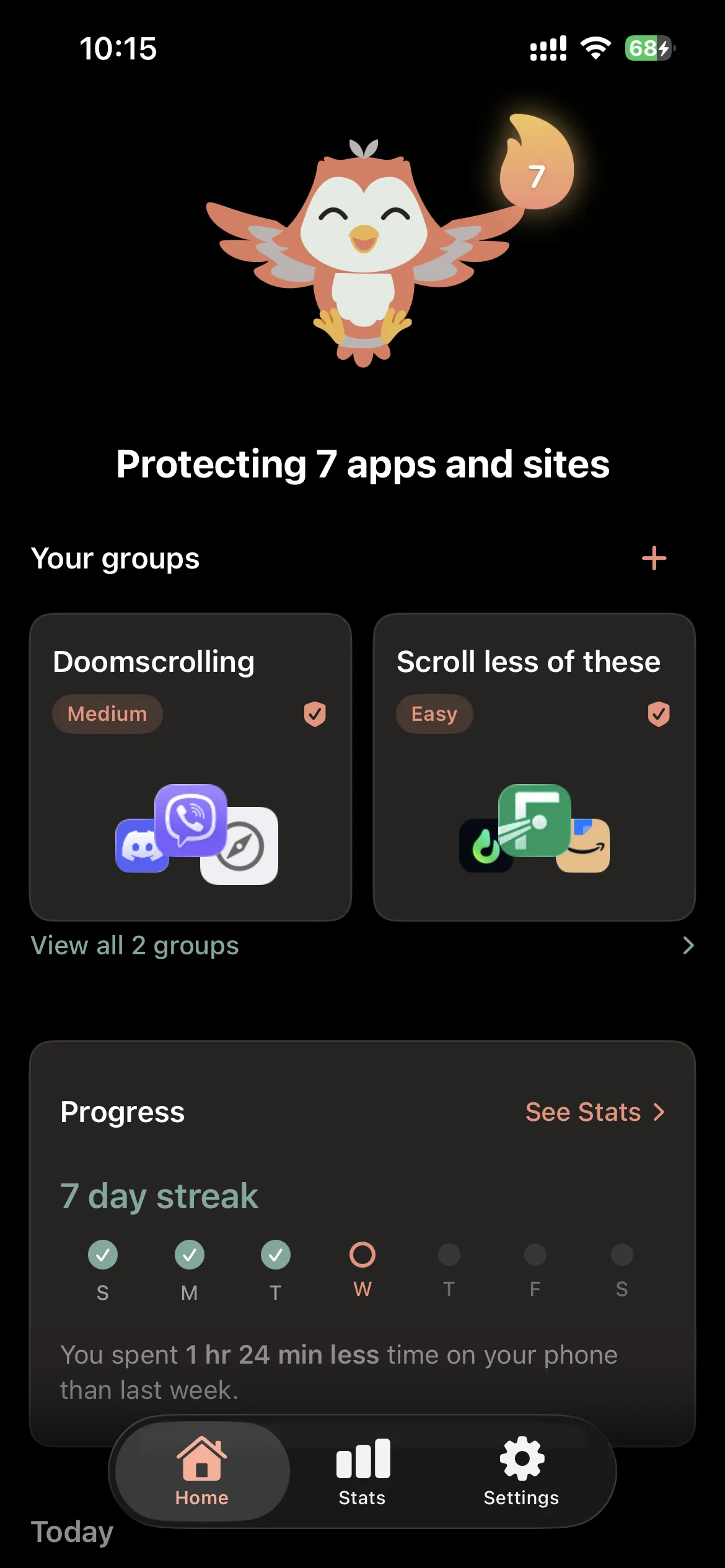
2. The Interception
A wall you chose, right when the urge hits
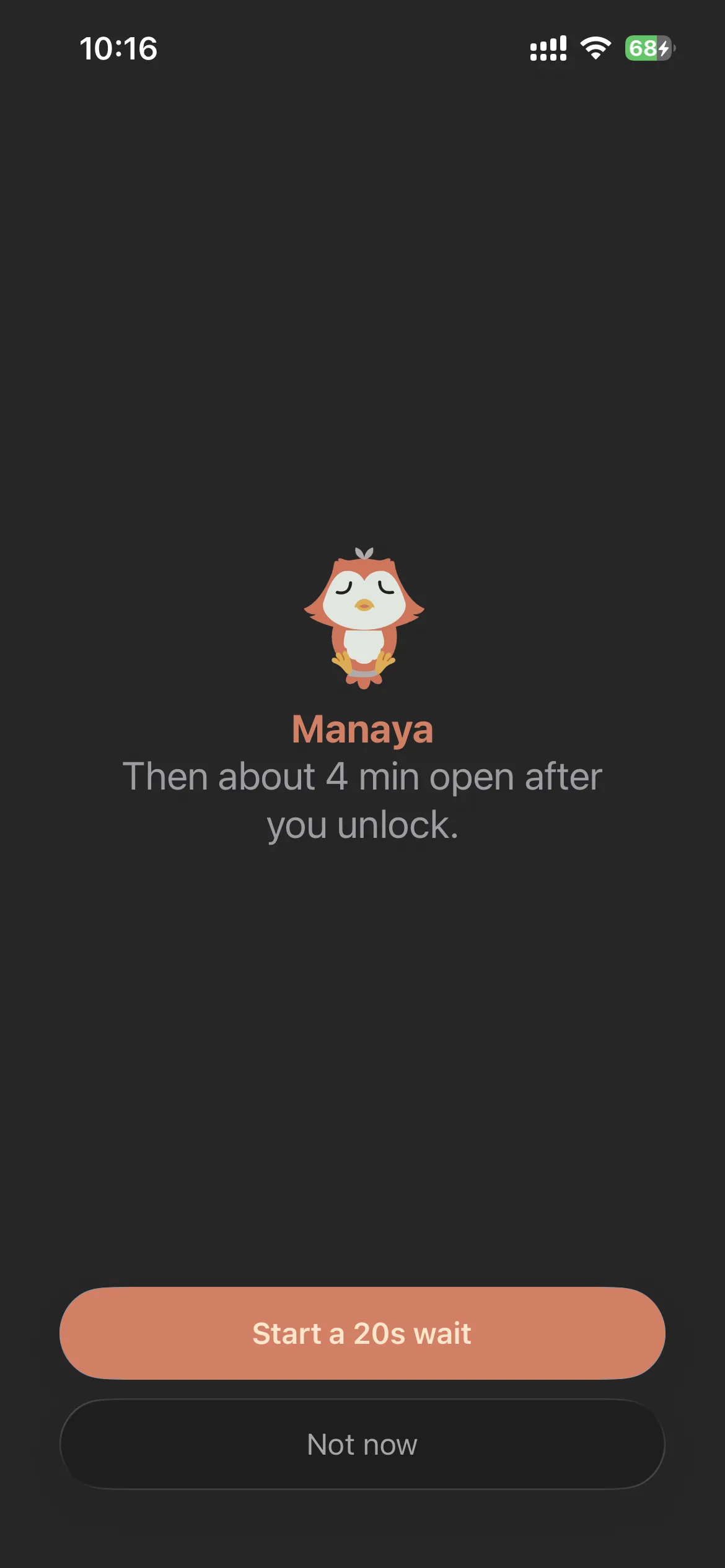
When you try to open a protected app like Instagram or TikTok, Manaya intercepts it immediately. Instead of dropping straight into the feed, you get the Shield.
The Wait: A countdown forces you to breathe and reflect. The point is not to punish you, but to buy a few seconds of clarity before the habit runs the show.
The Open Window: If you wait it out, the app opens. You get a short grace window (usually 4-6 minutes) before the shield goes back up. Higher plans use a shorter window so a quick check does not become an hour.
Honest about the limits
Apple Screen Time is useful for awareness, but the "Ignore Limit" button is usually one tap away when the urge is loud. Manaya is built as a stronger alternative for that moment.
No consumer iPhone app can make blocking truly impossible. Manaya makes the impulsive path genuinely hard. You stay in control through iPhone Settings. That honesty is part of the product, not fine print we hope you skip.