
AppBlock is a focus and screen-time tool built around blocks you start: Quick Block for right now, schedules for work or bedtime, usage limits, and Strict Mode when you want it harder to quit your own rules. It runs on Android and iPhone, with browser extensions for desktop.
If you are searching for an AppBlock alternative on iPhone, you are usually after a different failure mode. Not "I forgot to start a block." Something that meets you the moment your thumb opens Instagram, TikTok, or Reddit, even when you never tapped Start.
What AppBlock is good at
AppBlock's iOS product page is clear about the tools: Schedules, Quick Block, Allowlist, Strict Mode, partner approval to unlock, and Pomodoro-style sessions. Their Apple help hub covers how app and Safari website blocking work on iPhone.
That model is strong when:
- You like deciding "block social for the next two hours" and hitting Start
- You want recurring schedules by time or place
- You want Allowlist mode so only a few apps stay open
- You care about the same brand on Android, iPhone, and desktop browsers
If that matches how you fail (you scroll during a work block you meant to protect), AppBlock is doing the job it was built for. You can install it from the App Store listing.
Why people look for an alternative
The search usually starts after one of these:
- You only fight the phone. Desktop is fine. The leak is short opens on iPhone between real tasks.
- Schedules and Quick Block need you to remember. Doom scrolling is a moment problem. The urge hits, the app opens, and the block you meant to start never started.
- You still need the app for a reply. A full session lock on Instagram is heavy when you only wanted DMs, not Reels.
None of that makes AppBlock "bad." It means the product job you need may be closer to a Screen Time alternative with a pause before the scroll, or a group-based blocker with different strength per app set.
What to compare on iPhone
Keep the questions concrete.
Schedules vs open-time friction
AppBlock is block-first: you start Quick Block, ride a schedule, or hit a usage limit. That is different from meeting a Wait every time you open a protected app, then a short Open window so you can do the thing you opened for.
Multi-platform product vs on-device rules
AppBlock spans phone and desktop. Manaya is iPhone-first and on-device: rules live on your phone, and blocking uses Apple's Family Controls / Screen Time shields. No Manaya cloud owning your lists.
Strict Mode vs honest Settings escape
Strict Mode and partner approval make quitting harder. That is real accountability. On iPhone, Settings still exists for any Screen Time based tool. No honest app can promise a forever lock you cannot undo. Hard enough to matter is the bar we keep.
If you already compared Opal, Freedom, or One Sec and ScreenZen, use the same axis: mechanism and failure mode, not slogans.
Where Manaya fits
Manaya is for the person who still needs the apps, but loses hours to opening them on autopilot.
You put sticky apps in a protection group, pick Easy, Medium, Hard, or Custom, and choose how hard that group is to open. When you reach for a protected app, you meet a Wait or a fuller stop first. After a Wait, a short Open window keeps the app usable, then the shield can return.
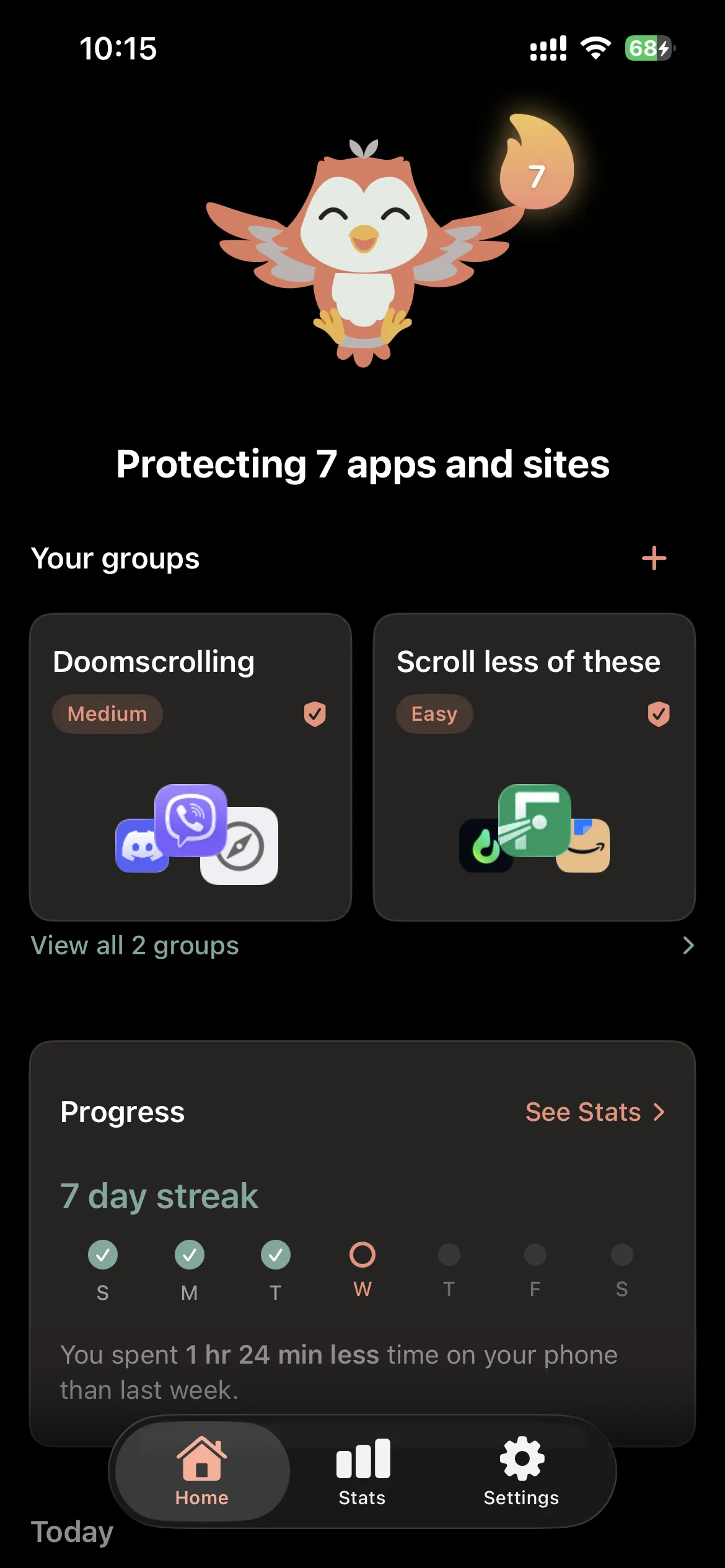
You can keep different strength for different lists: Hard for Reels, lighter for a chat app you actually need. Schedules sit on the group when you want protection only in certain hours.
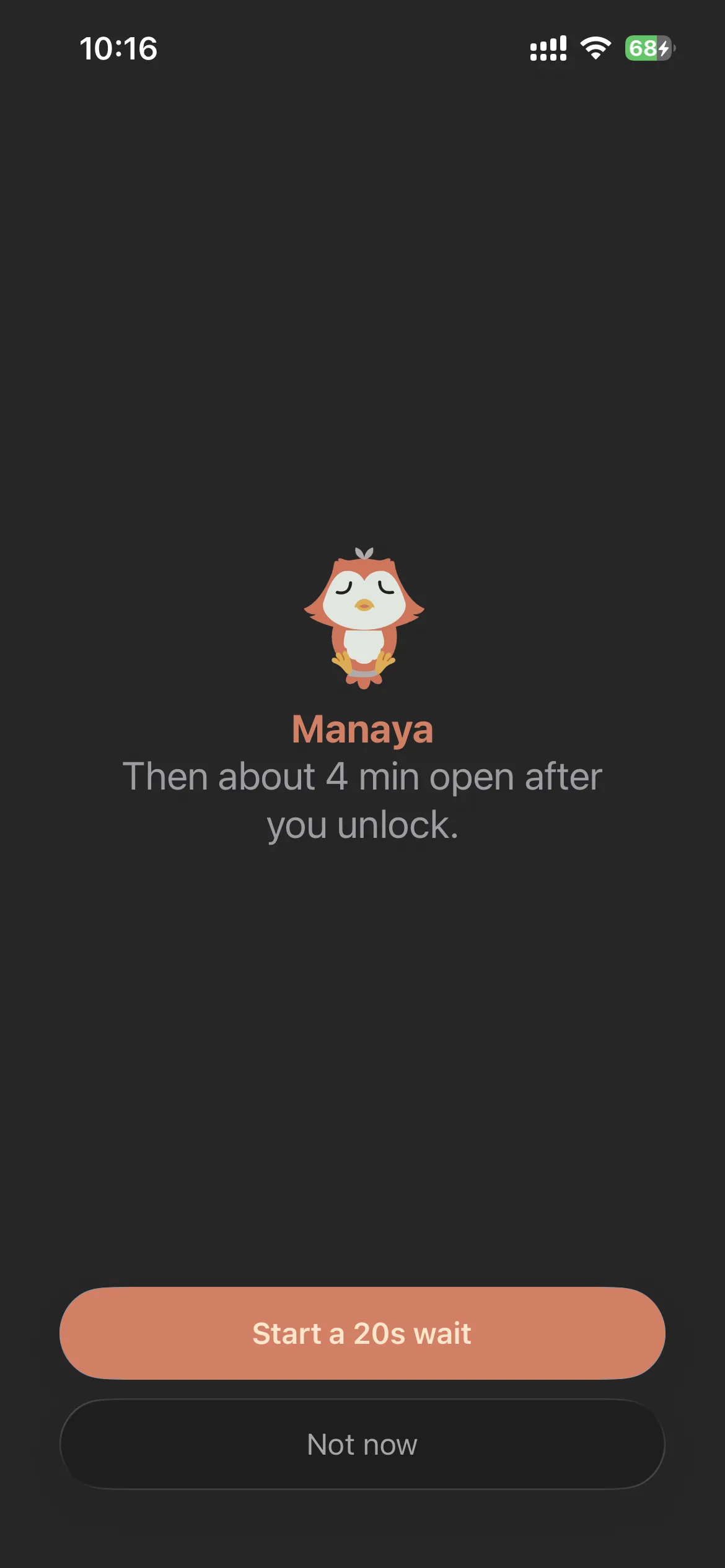
Mana and streaks stay on the kind side of the line. Progress should feel like company, not a lecture.
If that sounds closer to how you fail on iPhone, start with how Manaya works and the plan levels.
When to stay with AppBlock
Stay with AppBlock when Quick Block, Allowlist, partner unlock, or multi-device blocking is the real need.
Look at Manaya when the leak is iPhone opens between tasks, soft Screen Time exits, or "I still need the app for a reply." Different tools. Pick the one that matches the hole you keep falling through.